
Скачать Pack 3D Icons – 3D иконки, иконки рабочего стола, набор иконок, Windows XP, замена иконок, преображение рабочего стола, Windows 7, Windows 10, улучшение рабочего стола, настройка иконок
Обзор
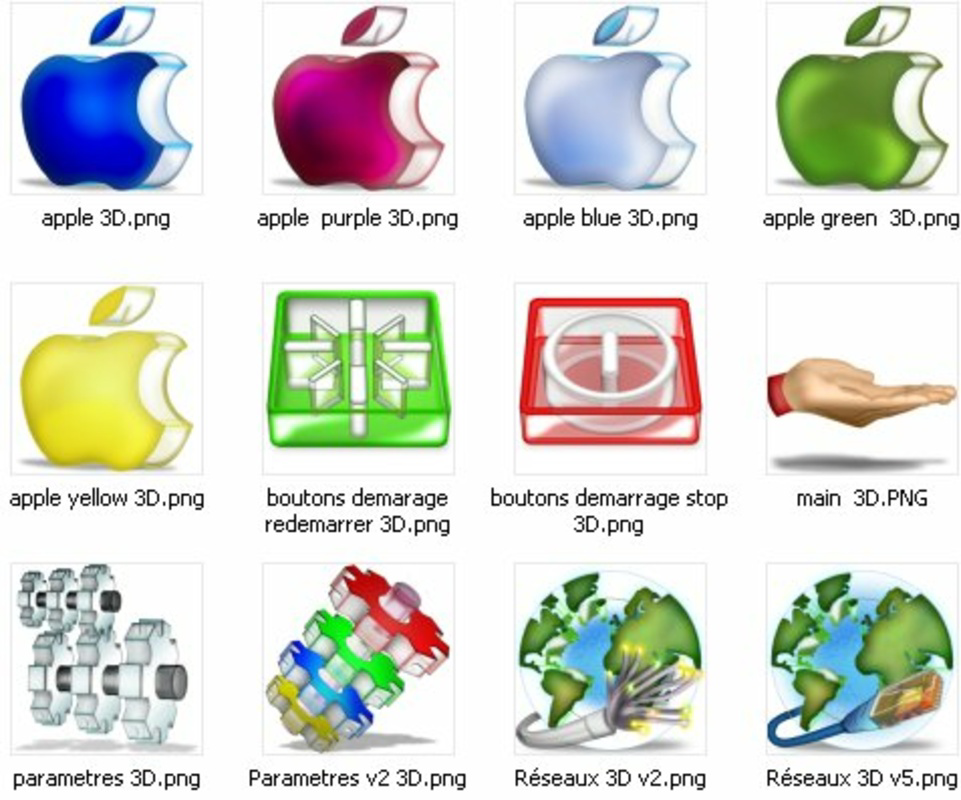
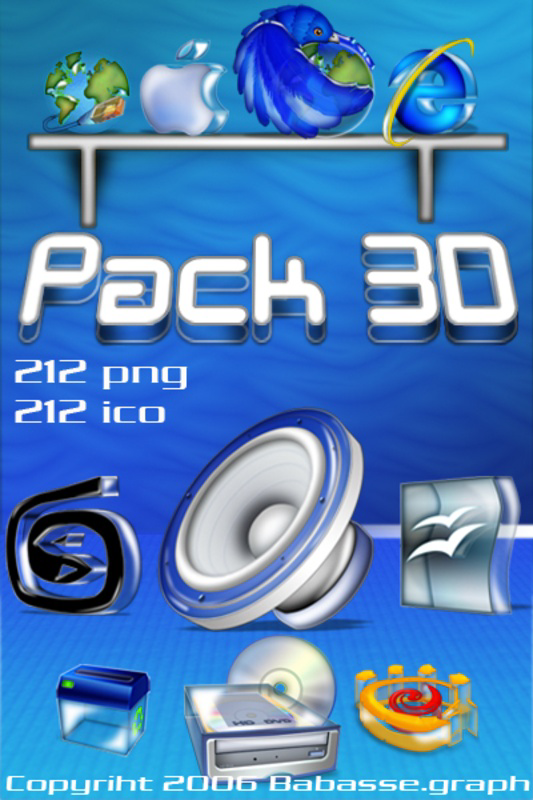
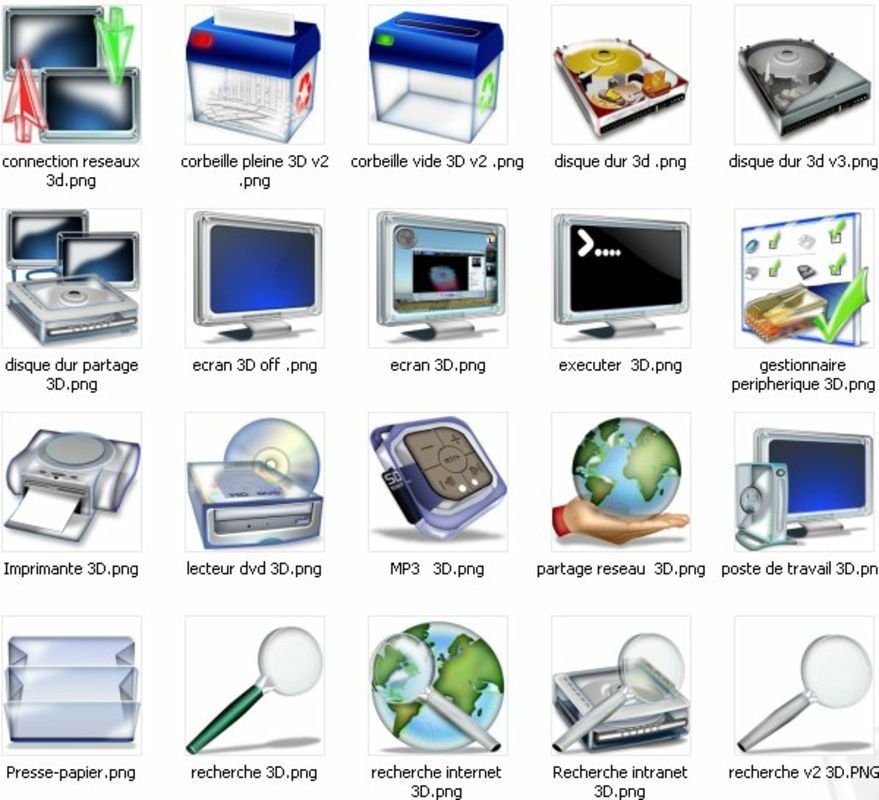
The Pack 3D Icons is a desktop enhancement tool designed to modernize the visual appearance of legacy operating systems, particularly Windows XP, with a curated collection of over 200 three-dimensional icons. Its primary purpose is to replace default system icons with visually striking, stylized alternatives that bring a sense of freshness and professionalism to older desktop environments. This tool is especially useful for users seeking to revitalize outdated interfaces without upgrading their hardware or software. The app addresses the common issue of visual stagnation in long-standing operating systems, where default icons can appear dull or outdated compared to modern design standards.
Target users include desktop enthusiasts, retro computing hobbyists, and individuals using older versions of Windows such as Windows XP, Windows 7, or Windows 10 who wish to personalize their interface. The developer, Pack 3D Icons, appears to focus on aesthetic customization, offering a complete visual overhaul through both icons and complementary wallpapers. Real-world use cases involve desktop redesigns for personal computers, educational setups, or even retro-themed workspaces in creative industries. In the broader app ecosystem, the tool occupies a niche role as a lightweight, specialized utility that enhances user experience through visual appeal rather than functional improvement.
Although the developer did not provide additional technical details about their background or other projects, the consistent release and format availability suggest a dedicated creator focused on desktop customization. The pack’s longevity—released in 2006 and still accessible—underscores its enduring relevance in niche communities. Its continued use reflects a demand for retro-styled enhancements that balance nostalgia with modern visual standards.
Key Features & Functionality
- Extensive Icon Library – The pack includes over 200 unique 3D icons, offering a wide selection for different applications such as web browsers, messaging tools, and office software. Users can replace default icons for programs like Mozilla, MSN Messenger, and Microsoft Office with visually distinct alternatives that stand out on the desktop.
- High-Quality Formats – Icons are provided in both ICO (128x128 pixels) and PNG (256x256 pixels) formats, ensuring compatibility with various Windows versions and applications. This dual-format support allows users to choose the best option based on their system’s requirements and visual preferences.
- Modern, Redesigned Visuals – Each icon features a distinctive 3D style with depth, shading, and vibrant colors, offering a significant upgrade from flat, default icons. This redesign helps legacy software appear more contemporary and visually engaging.
- Bonus Wallpapers Included – The package contains several wallpapers created by the same author, designed to harmonize with the icon aesthetic. These wallpapers help unify the desktop experience, creating a cohesive and polished look.
- Easy Integration – The icons are structured for straightforward replacement, allowing users to apply them without advanced technical knowledge. This makes the tool accessible to non-technical users seeking a quick desktop refresh.
For example, a user running Windows XP might replace the default Internet Explorer icon with a sleek 3D version, instantly improving the visual appeal of their desktop. Similarly, someone using Windows 10 for retro-themed projects could use the pack to maintain a vintage aesthetic with modern clarity. The inclusion of both icons and wallpapers ensures a complete transformation, reducing the need for external resources.
Interface, UX & Performance
The Pack 3D Icons does not feature a traditional graphical user interface, as it is distributed as a static file package rather than a standalone executable. Instead, users interact with the content through file management tools, extracting and replacing icons manually. This approach is typical for desktop enhancement utilities and reflects a minimalist design philosophy focused on functionality over visual complexity.
Navigation is straightforward: users access the downloaded archive, locate the desired icon files, and apply them via system settings or third-party tools. The lack of an integrated interface means the user experience relies heavily on manual steps, which may pose a challenge for beginners unfamiliar with icon replacement processes. However, the consistent naming and organization of files suggest thoughtful structuring, reducing the risk of errors during installation.
Although the developer did not list formal performance metrics, the small file size of 1.2 MB indicates minimal system impact. The app is lightweight and should operate smoothly on a wide range of devices, including older hardware. Responsiveness is not an issue due to the static nature of the content—no background processes or real-time rendering are involved. Stability is likely high, as the package consists of pre-rendered image files with no dynamic components that could fail or crash.
Platform Compatibility & Technical Requirements
Pack 3D Icons is designed for the Windows operating system, with support confirmed for Windows XP, Windows 7, and Windows 10. The application is distributed as a single archive file, making it accessible to users across these platforms without installation requirements. The software version is 1.0, and the file size is 1.2 MB, indicating a compact and efficient distribution.
Specific requirements were not listed, but the small size and format compatibility suggest broad accessibility. The developer did not specify minimum OS versions or hardware needs. Compatibility with newer Windows versions is likely due to the standard file formats used (ICO and PNG), which are universally supported across Windows systems. Users should ensure they have access to file extraction tools and basic icon replacement utilities to fully utilize the pack.
Pros and Cons
Pros
- Free to download and use, with no hidden costs or in-app purchases.
- Over 200 high-quality 3D icons in multiple formats for maximum flexibility.
- Includes complementary wallpapers for a complete desktop makeover.
- Lightweight file size (1.2 MB) ensures fast downloads and minimal storage use.
- Designed for legacy systems like Windows XP, offering modern visuals on older platforms.
Cons
- No built-in installer or GUI; manual icon replacement required.
- Developer did not provide detailed compatibility or system requirements.
- Not compatible with macOS or Linux operating systems.
- Limited to Windows desktop environments; no mobile or tablet support.
- Release date was 2006—may lack support for newer Windows features or high-DPI displays.
FAQ
Is Pack 3D Icons safe to download?
The app is free and distributed through trusted desktop enhancement channels. As it contains only static image files (ICO and PNG), it does not include executable code that could pose security risks. However, users should always download from reputable sources to ensure file integrity.
Can I use this on Windows 10?
Yes, the pack is compatible with Windows 10. The icons are in standard formats supported by the OS, and users can apply them through manual replacement methods. However, high-DPI scaling may affect display quality on high-resolution screens.
Do I need special software to install the icons?
Yes, users need basic file management tools and an icon replacement utility (such as Resource Hacker or IconPackager) to apply the icons. The package itself does not include an installer or standalone application.
Is the pack updated regularly?
The developer has not provided information on update frequency. The last known release was in 2006, and no recent updates have been announced. Users should expect no future changes unless officially released.
Can I use the icons on mobile devices?
No, Pack 3D Icons is designed exclusively for Windows desktop environments. It does not support Android, iOS, or other mobile operating systems.
Final Thoughts
Pack 3D Icons remains a valuable tool for users seeking to enhance the visual appeal of older Windows systems. Despite its age, the pack delivers on its core promise: a modern, vibrant desktop makeover through high-quality 3D icons and matching wallpapers. Its lightweight nature, free access, and broad compatibility make it a practical choice for retro computing enthusiasts, educators, and anyone wanting to personalize their desktop without complex setup.
While the lack of a GUI and manual installation process may deter less tech-savvy users, the clear file structure and standard formats ensure a reliable experience for those willing to invest a few minutes in setup. The tool’s niche focus on desktop aesthetics over functionality highlights its role as a utility for visual customization rather than performance improvement.
For users running Windows XP, Windows 7, or even Windows 10 who appreciate retro-styled design, this pack offers a unique blend of nostalgia and modern flair. It’s a rare example of a long-standing utility that continues to serve its purpose effectively.
Download Pack 3D Icons now to give your desktop a fresh, professional look with just a few clicks.


